
3D Rendering in 2026: Turning Ideas Into Clear Visual Experiences
3D rendering helps businesses communicate property, product and immersive concepts before they exist, combining accurate modelling with realistic lighting, materials and AI-assisted workflows.
3D Rendering in 2026: Turning Ideas Into Clear Visual Experiences
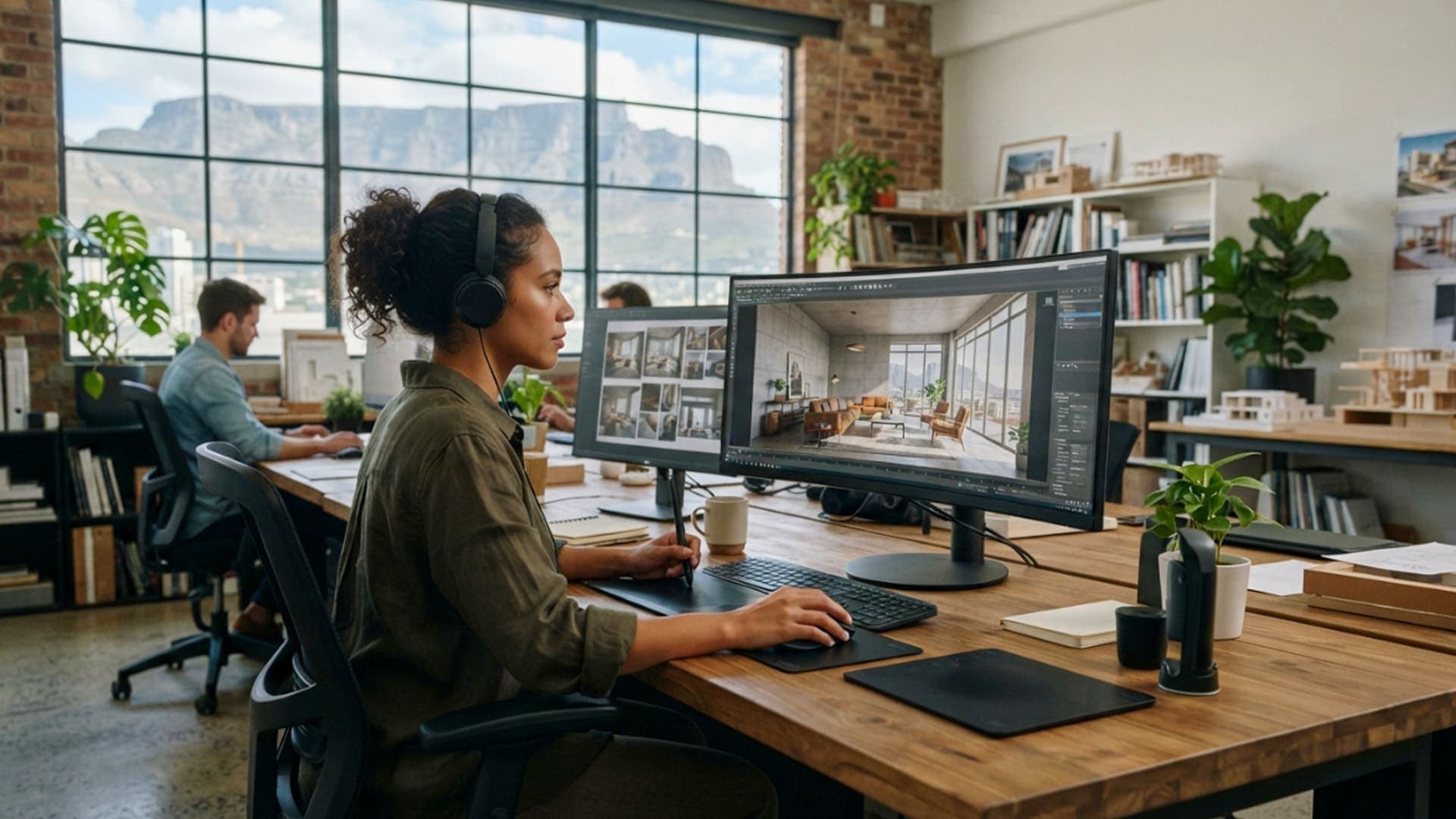
A concept is easier to understand when people can see it clearly. This is why 3D rendering has become an important tool for property developers, architects, interior designers, manufacturers, retailers and immersive technology teams. It turns plans, sketches and product ideas into visual content that people can explore before a space is built or a product reaches the market.
A strong render does more than create an attractive image. It helps people understand scale, materials, layout and atmosphere. A buyer can see how a future apartment may look. A client can compare design options before approving a project. A product team can show an item from every angle without needing to photograph a physical prototype.
In 2026, AI-assisted tools are helping creative teams move faster during early concept work. They can support mood exploration, reference generation and rapid visual testing. However, AI does not remove the need for accurate 3D models, thoughtful lighting or professional review. When a render needs to represent a real property, product or planned environment, accuracy remains essential.
For businesses in Cape Town and across South Africa, 3D rendering can support marketing, sales, planning and immersive content production. It can create still images, animations, interactive product viewers, virtual tours and assets for virtual reality or augmented reality applications.
Why 3D Rendering Makes Complex Ideas Easier to Explain
Many projects begin with information that is difficult for a non-specialist to interpret. Architectural drawings, technical specifications and material schedules are essential working documents, but they do not always show clients what the finished result will feel like.
3D rendering helps bridge that gap. It transforms technical information into a visual experience that is easier to discuss. Instead of trying to imagine a room from a floor plan, a client can see the room, assess the layout and understand how natural light, furniture and finishes may work together.
This can improve communication between designers, clients, contractors and sales teams. People can identify concerns earlier, compare alternatives more easily and make decisions with a clearer shared reference point.
From Sketches to Visual Confidence
A concept may begin as a hand sketch, a mood board or a simple CAD drawing. These early materials are valuable, but they often require experience to interpret. A render can bring the idea closer to the final outcome by showing proportions, surfaces and key visual details.
For property projects, this may mean showing a future kitchen, exterior façade or shared living area. For product design, it may mean presenting a new item in realistic materials and colours before manufacturing begins. For events, it may mean visualising a stand, activation area or branded environment before the team starts building it.
The goal is not to make every early concept look final. The goal is to make the idea clear enough for useful feedback and informed decisions.
Supporting Better Conversations Before Work Begins
A render can help teams discuss practical questions before money is committed to construction, production or installation. Does the room feel too dark? Is the product easy to understand from this angle? Does the event layout allow people to move comfortably? Does the proposed finish fit the intended brand or market?
When these questions are discussed early, teams have more freedom to improve the design. Changes are usually easier to make in a digital model than after materials have been ordered or work has begun on site.

AI Is Changing the Early Stages of Visual Development
Artificial intelligence is becoming a useful assistant in the visual development process. It can help teams generate references, explore different moods and test broad creative directions quickly. A designer may use AI-generated concepts to compare lighting styles, material palettes or environmental settings before building a detailed 3D scene.
This can save time during the early stage of a project, especially when the team needs to explore several directions. It can also help clients respond to visual ideas more quickly than they might when looking only at written descriptions.
However, AI-generated images should not automatically be treated as accurate project visuals. They may include unrealistic proportions, impossible structures or details that do not match the approved design. They are useful for exploration, but they need to be followed by controlled 3D work when precision matters.
Using AI for Exploration, Not Guesswork
The best use of AI in rendering is often at the beginning of the process. It can help create visual references that guide the art direction of a project. A team may use it to discuss whether a space should feel warm, minimal, coastal, industrial or premium.
Once a direction is chosen, the 3D artist can build a controlled model using verified dimensions, correct materials and approved specifications. This gives the project a stronger foundation and ensures that the final visual can be trusted by clients, buyers and stakeholders.
AI can also help with repetitive tasks, image cleanup and early texture ideas. The important point is that a skilled person remains responsible for checking the result and making sure the visual communicates the right information.
Keeping Brand and Project Details Accurate
A render may be used in a brochure, website, sales presentation or public campaign. If it shows the wrong finishes, incorrect product features or misleading room sizes, it can create problems later.
Teams should agree on which details are confirmed and which are still illustrative. Where a project is still changing, the visual can be labelled appropriately or kept focused on the elements that are already approved.
Accuracy is particularly important for property developments, technical products and branded environments. The render should build confidence, not create expectations that cannot be delivered.
Rendering for Property, Architecture and Interior Design
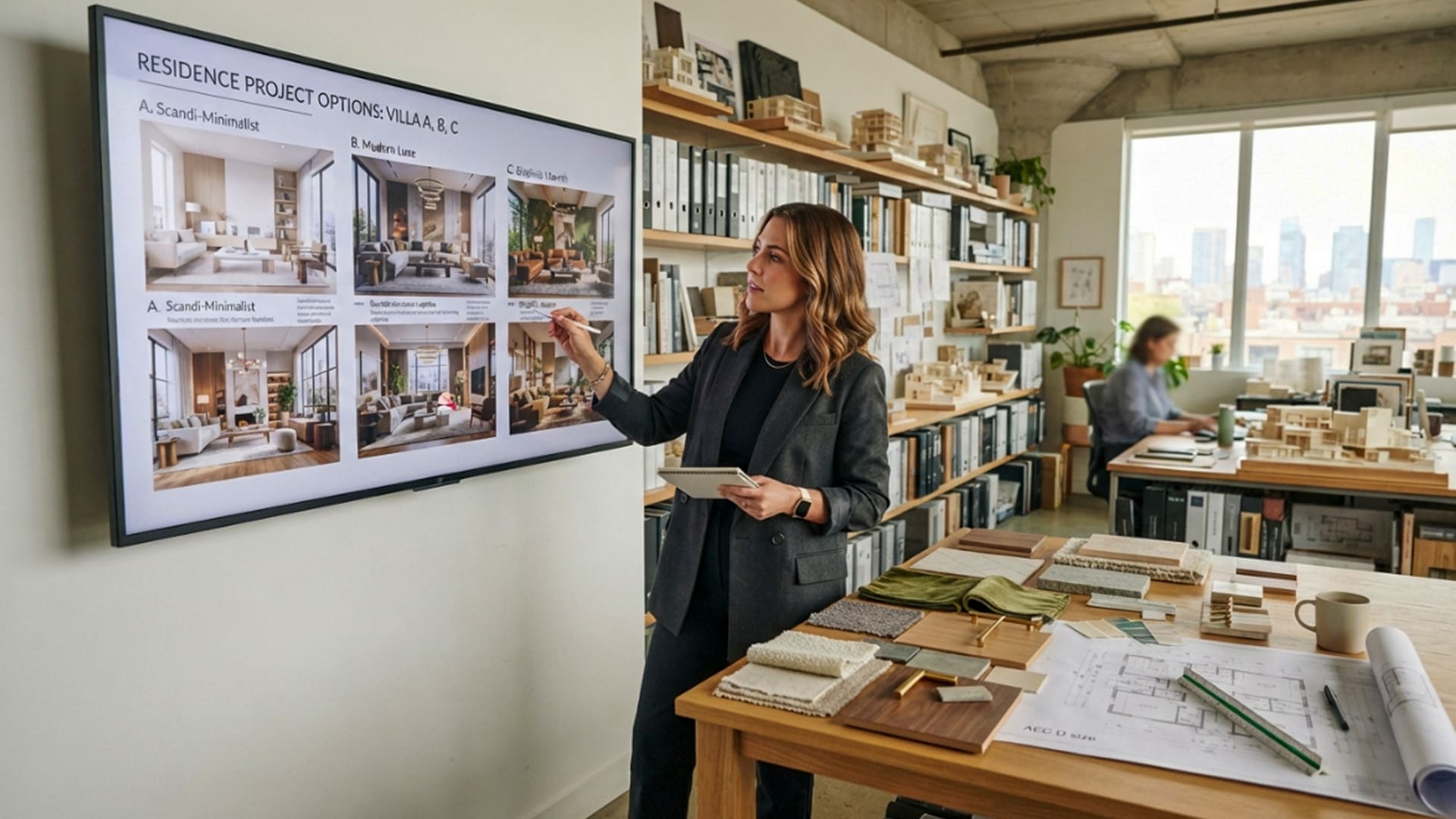
Property visualisation remains one of the strongest uses of 3D rendering. Buyers often need to make decisions before a home, apartment, office or retail development is complete. A detailed render can help them understand what is being proposed and how the finished space may feel.
Architectural rendering can show both exterior and interior views. Exterior images may communicate the relationship between a building, landscaping and surrounding environment. Interior images can show room flow, finishes, furniture and the effect of daylight at different times.
These visuals can support websites, brochures, sales offices, investor presentations and virtual tours. They are especially useful for off-plan developments where there is no completed space to photograph.
Showing More Than a Beautiful Room
A good property render should help viewers understand the space, not only admire the styling. It should use believable proportions, sensible furniture placement and realistic access points. Doors, windows, storage and circulation areas all influence whether a room feels practical.
Lighting also has a major effect. Natural daylight can help show how a room connects to an outdoor area, while evening lighting may help communicate atmosphere for hospitality or premium residential projects. Both need to be used carefully so that the image remains believable.
The best visualisations balance aspiration with realism. They show the potential of a space while remaining connected to the actual design.
From Render to Interactive Virtual Tour
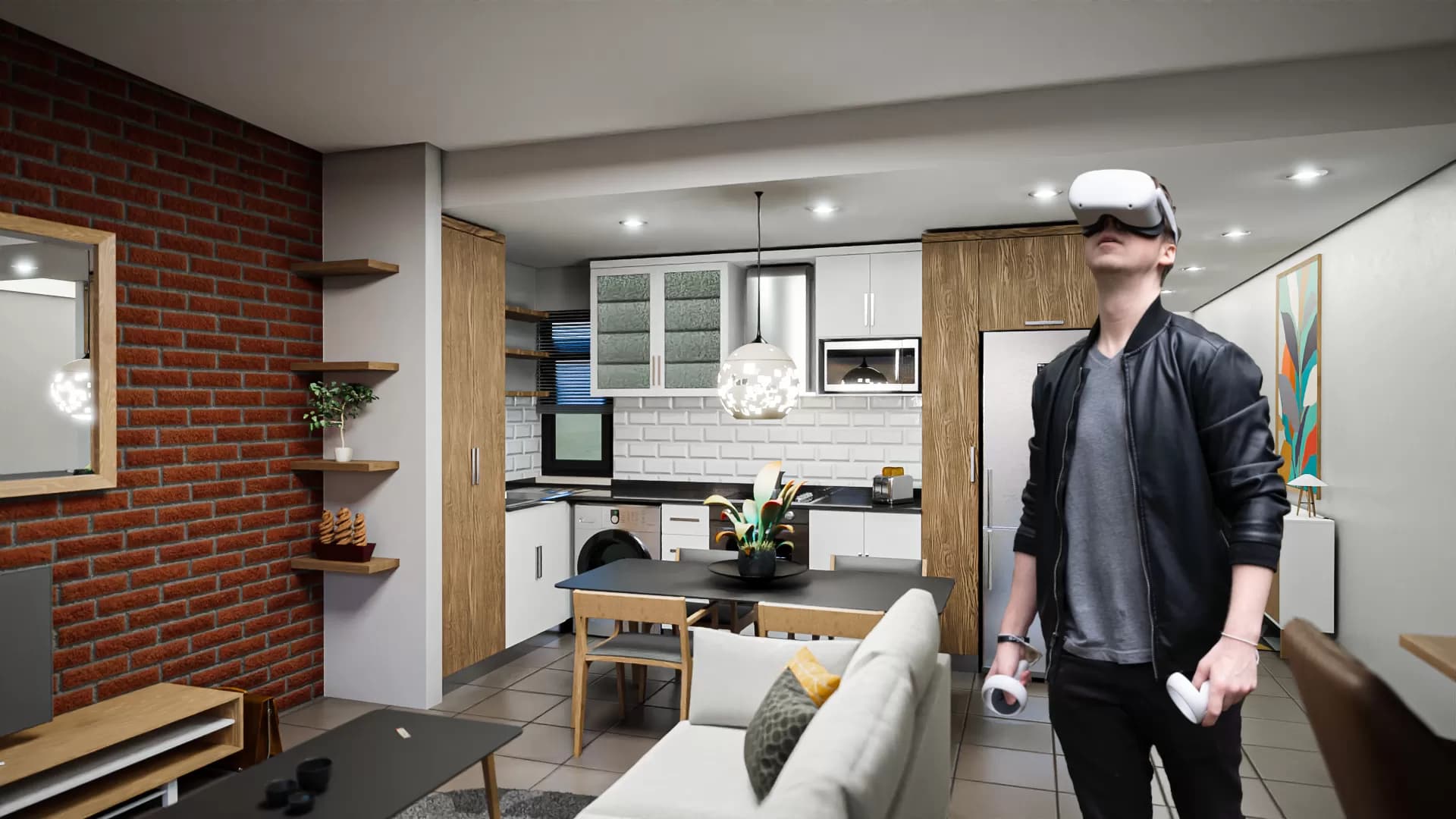
3D assets can be used beyond still images. The same model may support an animation, an interactive walkthrough, a browser-based virtual tour or a VR experience. This gives the visual content a longer life and helps organisations use one investment across multiple marketing channels.
Virtual Reality Cape Town lists 3D modelling, rendering and virtual tours among its services, including architectural visualisation, product rendering, high-resolution output and Matterport-based digital twins.
For a property developer, this can mean using renders in a brochure, then allowing buyers to explore the same planned environment through an interactive experience. For an architect, it can mean using a model for design review before producing final presentation visuals.
Product Rendering Creates Flexible Marketing Content
Product photography is valuable when a finished item is available. However, many businesses need visual content before production begins, when products come in many variants or when it is difficult to arrange a physical photoshoot for every option.
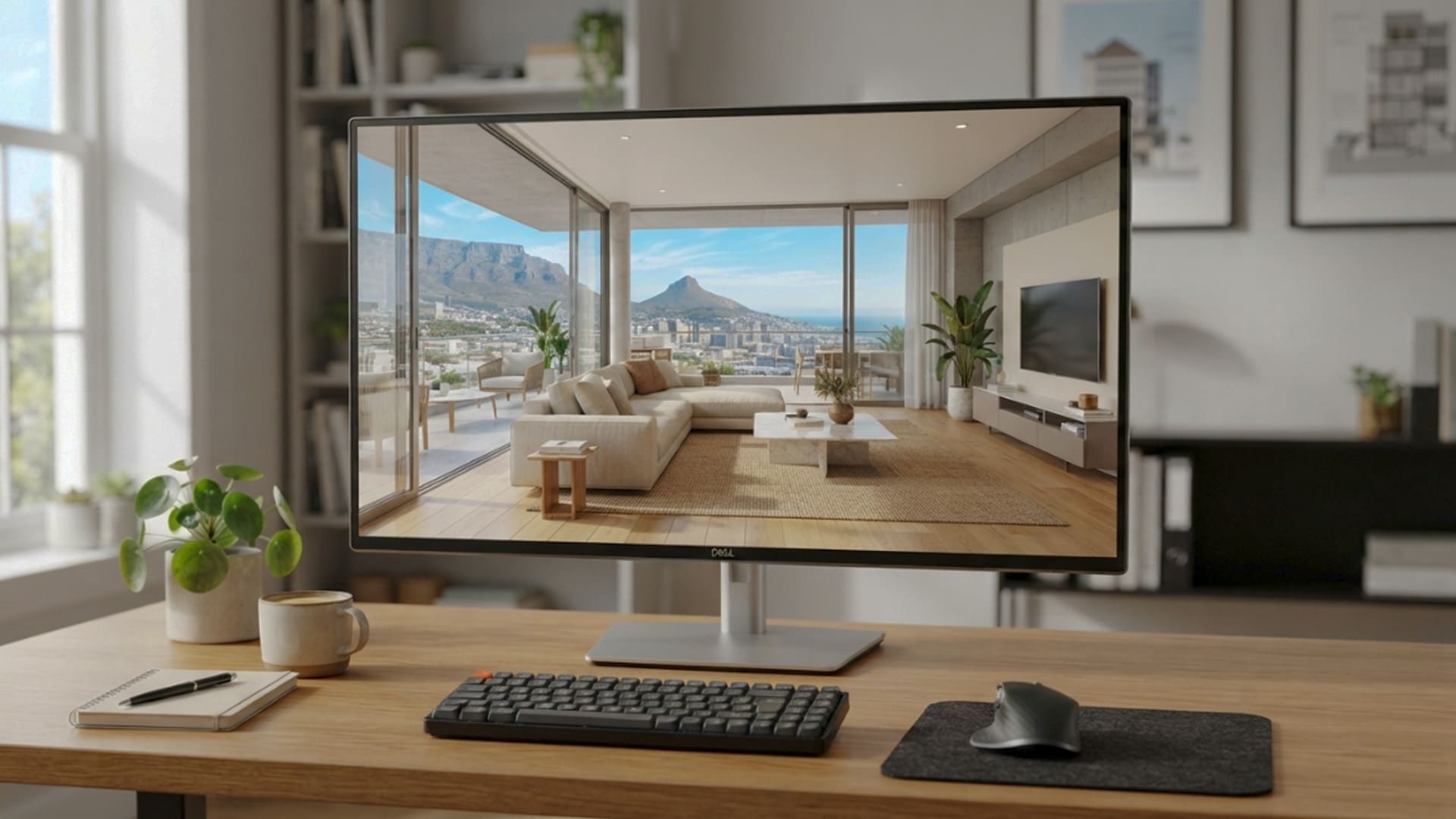
3D product rendering provides a flexible alternative. A digital product model can be shown from multiple angles, placed in different environments and updated when colours, materials or features change. It can also be used to create close-up views that explain technical details.
This is useful for furniture, appliances, automotive accessories, industrial equipment, consumer goods and many other product categories. The same model can support web images, social content, product configurators, animations and augmented reality previews.
Consistent Visuals Across Every Channel
A 3D model can help a brand maintain visual consistency. Instead of photographing each variation in different conditions, the team can create a controlled visual system with the same camera angle, lighting and background treatment.
This makes it easier for customers to compare products. It also gives marketing teams a library of reusable content that can be adapted for different campaigns without repeating a full production shoot.
The quality of the model remains important. Materials should look believable, proportions should be correct and small details should match the real product. A product render is most effective when customers can trust that what they see reflects what they will receive.
Preparing Assets for AR and VR
Product models can also become the foundation for immersive experiences. An augmented reality application may allow customers to place a product in their own home. A VR showroom may let visitors explore larger products that cannot be displayed physically.
To work well in these environments, assets need to be optimised. A highly detailed model used for a large still image may need a lighter version for a mobile application or headset. Good planning helps the team create different versions without losing the essential visual quality.
A Practical Process for Better 3D Renders
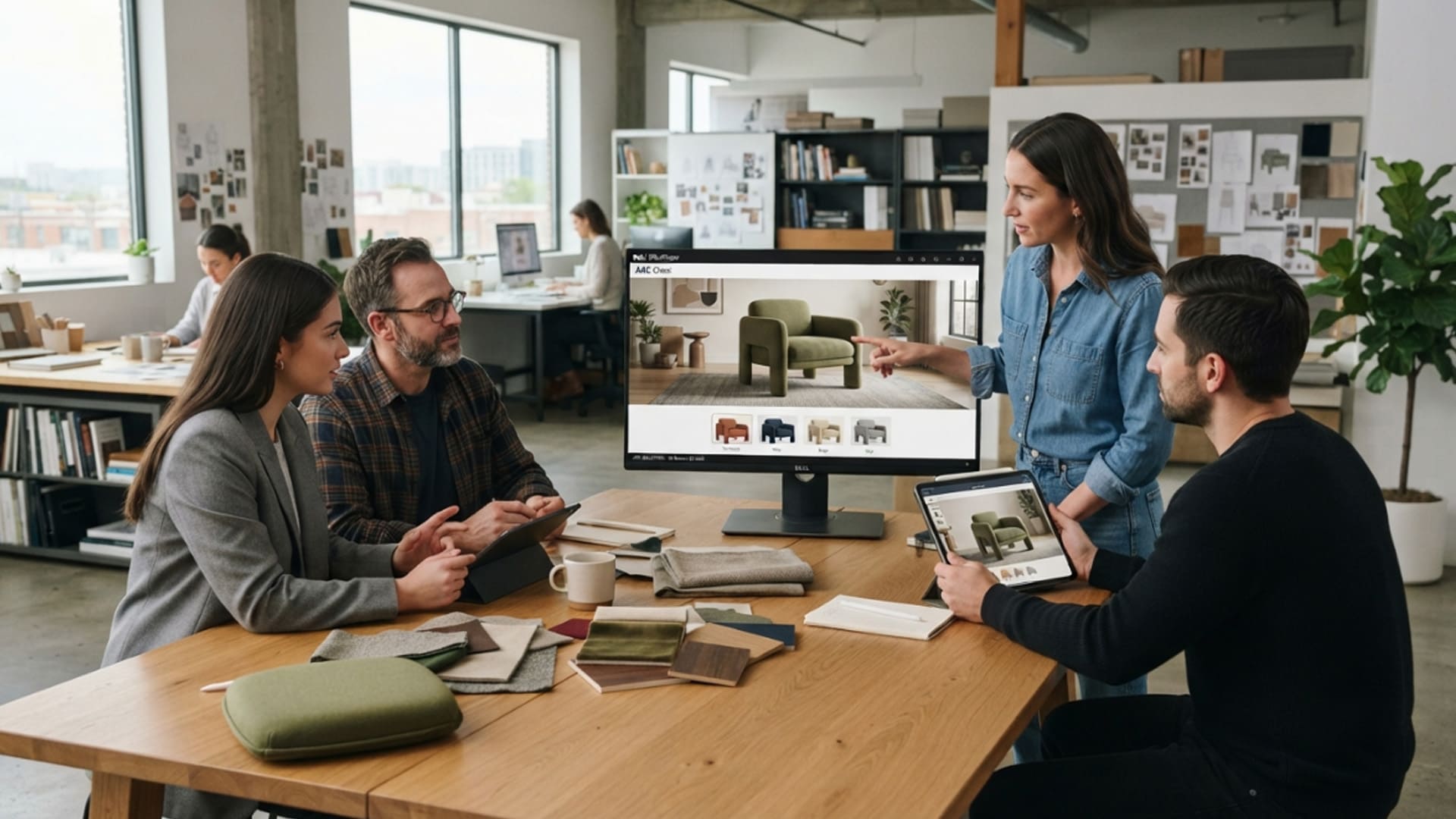
A successful rendering project begins with clear source information. The artist needs drawings, dimensions, product references, material details and an understanding of the audience. The more reliable the inputs, the more useful the final visual will be.
The process usually includes modelling, material creation, lighting, camera setup, rendering and review. Each stage affects the result. A well-built model can still look unconvincing if the lighting is poor, while beautiful lighting cannot correct an inaccurate layout.
Start With the Purpose of the Image
Before production begins, the team should decide what the render needs to achieve. Is it for an investor presentation, a property listing, a product launch, a planning review or a virtual experience? The answer affects the level of detail, camera angle, format and delivery method.
A render for a billboard may need a bold composition that works at a distance. A render for a property brochure may need a wider view that explains the layout. A render for VR may need a complete environment rather than one carefully selected camera angle.
Clear purpose helps avoid unnecessary revisions and ensures that the final output is suitable for the channel where it will be used.
Review Before Publishing
The review stage should include both creative and practical checks. Teams should confirm that the design matches approved information, branding is correct, materials are represented properly and the image does not create misleading expectations.
It is also helpful to review the render at the size where it will be used. A detail that looks good on a large monitor may be lost on a mobile screen. A very dark image may look different when printed. Testing the visual in its final context helps prevent avoidable problems.
3D rendering is becoming more powerful because it helps organisations show ideas before those ideas exist in the physical world. When AI supports exploration and skilled 3D work provides accuracy, businesses can create visual experiences that are clear, useful and ready for property, product, web and immersive applications.
Intelligence Author
Elisha Roodt
Pioneering South Africa's XR landscape for over 25 years, we transform global immersive trends into actionable innovation for the Mother City and beyond.
READY TO TRANSCEND?
Contact Virtual Reality Cape Town today and discover how we can transform your digital strategy through immersion.