Cape Town VR Experiences Begin With a Strong Creative Brief
A compelling Cape Town VR experience starts with a clear audience and purpose, then brings story, interaction and technical delivery together.
A virtual reality experience can transport someone somewhere else, but its value begins before the headset goes on. The brief needs to explain who the experience is for, what they should discover or do, and why VR is the right format. Without that centre, even polished visuals can feel like a collection of effects rather than a meaningful encounter.
Cape Town’s creative and tourism settings offer many possible starting points for immersive storytelling. A project might interpret a place, help audiences understand a product or create an interactive narrative. Each direction asks for different choices in writing, 3D production, sound and interaction design. The purpose determines what belongs in the virtual world and what can be left out.
The development process benefits from early testing with representative users. A short prototype can expose confusing controls or a mismatch between the story and the interaction before production becomes expensive. The experience should also be reviewed on its intended hardware and in the setting where people will use it.
Virtual Reality Cape Town offers VR software development alongside related 3D, AR and virtual-tour services. The strongest brief gives a creative team enough context to build an experience that feels specific to its audience, rather than simply impressive in a demo.
Make the demo resilient to network loss
Test the entire experience with the venue connection disabled if offline operation is expected. Confirm that login, assets, audio and progress do not silently depend on a remote service. If a connection is required, write down the bandwidth and access needs and ask the venue to confirm them. A clear fallback could be a locally stored build, a recorded walkthrough or a desktop presentation that preserves the main message.
Avoid making updates immediately before the event unless the change is essential. Keep a known-good version available and record which build is installed on each device. After the demo, review any connectivity failures and update the operating plan before the next deployment.
Start with the audience and the job to be done
A VR experience should begin with a clear creative brief, not with a list of effects. Identify who will use it, where they will encounter it and what they should understand or do. A public event demonstration, a training scenario and a marketing experience have different demands for duration, interaction, device setup and support. Defining the purpose early keeps production focused and helps stakeholders judge the result fairly.
Describe the audience's current understanding and what the experience adds. Does it let people practise a decision, explore a space, inspect a product or enter a story? If a conventional video or interactive website could communicate the same thing more simply, explain why VR is still the right format. That comparison helps a team invest in immersion where it has a practical benefit.
Turn the brief into a participant journey
Map what happens before, during and after the headset. Before entry, the participant may need to understand the duration, controls and comfort options. Inside the scene, they need a clear starting point and meaningful choices. Afterward, there may be a discussion, call to action or way to continue learning. Each stage influences the experience design.
Sketch the journey before building detailed assets. Identify the first action, important transitions, expected duration and likely points of confusion. A simple storyboard can reveal whether a scene contains too many instructions or whether a participant has a reason to move. Review the flow with people who represent the audience, not only the production team.
Design interaction around purpose
Interactions should help a user learn, decide or explore. Grabbing an object can be useful when manipulation is part of the task; otherwise it may add complexity without improving understanding. Use consistent controls, visible affordances and feedback that explains what happened. A participant should be able to pause, reset or leave without searching through hidden menus.
Limit the number of new controls introduced at once. Explain essential actions in context and allow users to practise them safely. If an interaction fails, provide a recoverable path rather than ending the experience. A well-designed demo supports different levels of familiarity with VR and does not depend on fast gestures or prior gaming experience.
Plan for device and connectivity constraints
Target hardware affects visual detail, tracking, audio, controllers and performance. Decide which headsets or desktop routes must be supported and test those actual devices. If a demo depends on an internet connection, identify what happens when the venue network is slow or unavailable. Consider whether assets can be cached or an offline mode is appropriate.
Connectivity is not just a technical footnote. It can affect downloads, login, updates, analytics and shared experiences. Confirm network requirements with the venue before event day and avoid relying on an untested guest Wi-Fi connection. Prepare a known-good build, account access and a fallback presentation in case an essential service is unavailable.
Make the experience comfortable and accessible
Comfort should influence locomotion, camera movement, session length and visual transitions. Avoid sudden acceleration, unnecessary camera motion and forced movement. Offer teleport or stationary options where suitable. Let participants sit if the experience permits, and make it easy to remove the headset or stop.
Use readable text, adequate contrast and accessible alternatives for essential information. Captions or visual prompts can help when audio is unavailable. Provide a non-headset route where practical so people who cannot or prefer not to use VR can still understand the key message. Test with diverse users and revise based on observed difficulty rather than assuming comfort from a developer's experience.
Prototype the most uncertain part
Every project has unknowns: an interaction may be difficult, a story may not fit the available time, or the target headset may not render a detailed environment well. Build a small prototype that tests the riskiest assumption before investing in final production. Placeholder assets are sufficient if the question is about navigation or comfort.
Observe participants without coaching. Note where they hesitate, look for a control or ask for help. Ask what they understood after the demo and whether the interaction supported the intended purpose. Technical success and audience comprehension are separate measures, and both matter.
Deliver and support the demo professionally
Create an operating checklist for device charging, cleaning, setup, account access, software version and reset between participants. Train hosts on onboarding, comfort and escalation. For a public demo, estimate throughput and queue time based on the real session length, not only the time spent inside the headset. Provide clear signage and a way for observers to learn what is happening.
After launch, collect only useful feedback and analytics. Explain any data collection and respect privacy. Review comments for repeated friction, update the build and keep content accurate. A strong VR demo combines creative direction with reliable delivery; the headset is one component of a complete participant experience.
Prepare an event-day checklist
Confirm the venue power, network, operating space and participant flow before arriving. Charge devices, test accounts and load the approved build. Keep a spare cable or controller where appropriate, and identify who can make a technical decision if the demo fails. A short checklist reduces avoidable setup stress.
Plan the queue and turnaround between participants. Hosts should clean shared equipment according to the device guidance, reset the experience and allow a moment for the next person. Clear signage can tell visitors how long the demo takes and whether they need to wait.
Intelligence Author
Elisha Roodt
Pioneering South Africa's XR landscape for over 25 years, we transform global immersive trends into actionable innovation for the Mother City and beyond.
More From Virtual Reality
Making Music in VR with Patchworld
A Glimpse into Spatial Music Creation on Meta Quest 3 Put on a Meta Quest 3, boot up Patchworld, and the studio dissolves into a cathedral of...
Revolutionizing Experiences: Virtual Reality in Cape Town
How Immersive Technologies Are Transforming Tourism, Education, and Culture in the Mother City Virtual reality (VR) is rapidly reshaping Cape...
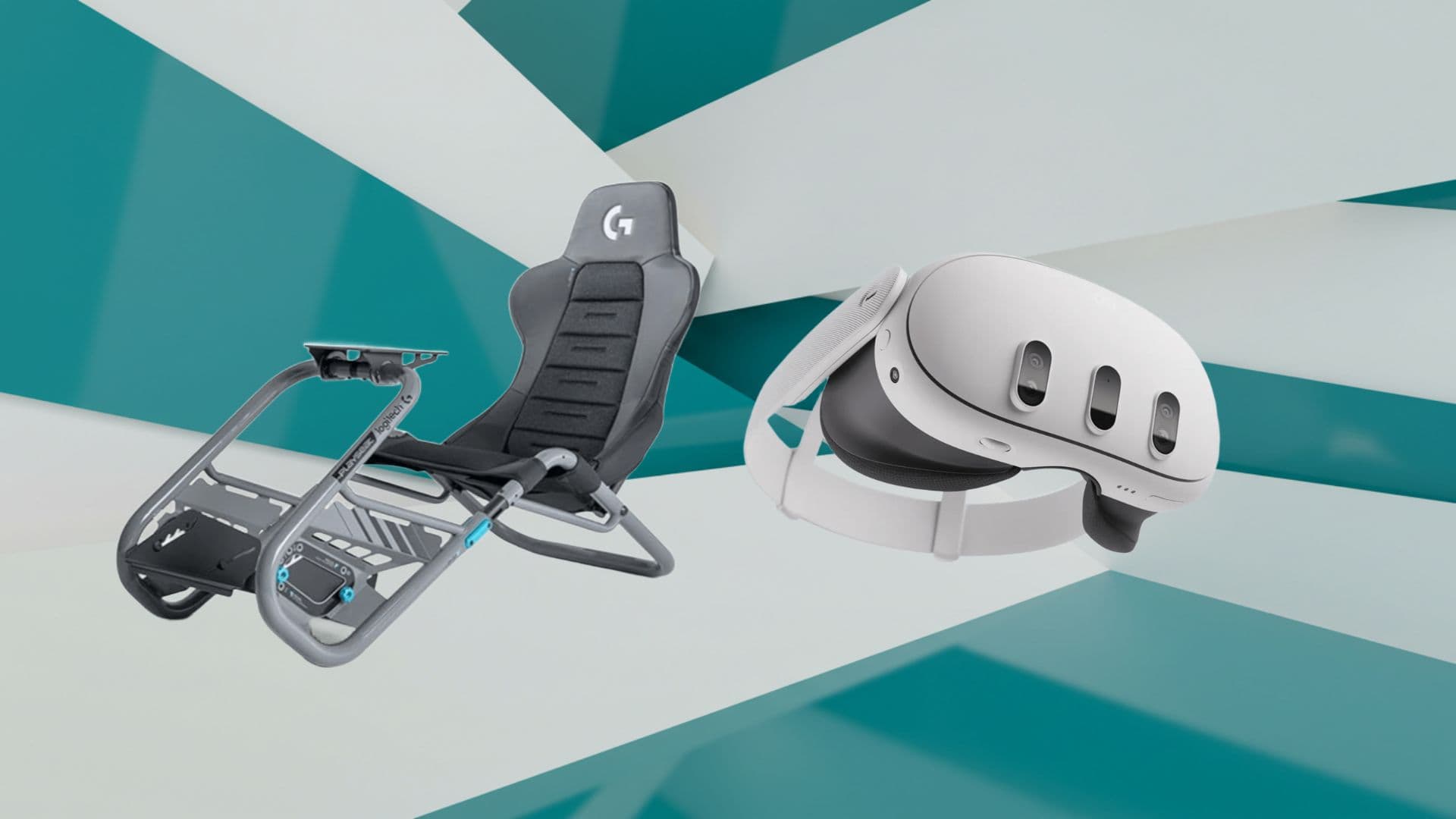
Mastering Meta Quest 3 for High‑Fidelity Sim Racing
Essential steps to transform your VR headset into the ultimate racing cockpit Transitioning from flat‑screen sim racing to the immersive realm of...
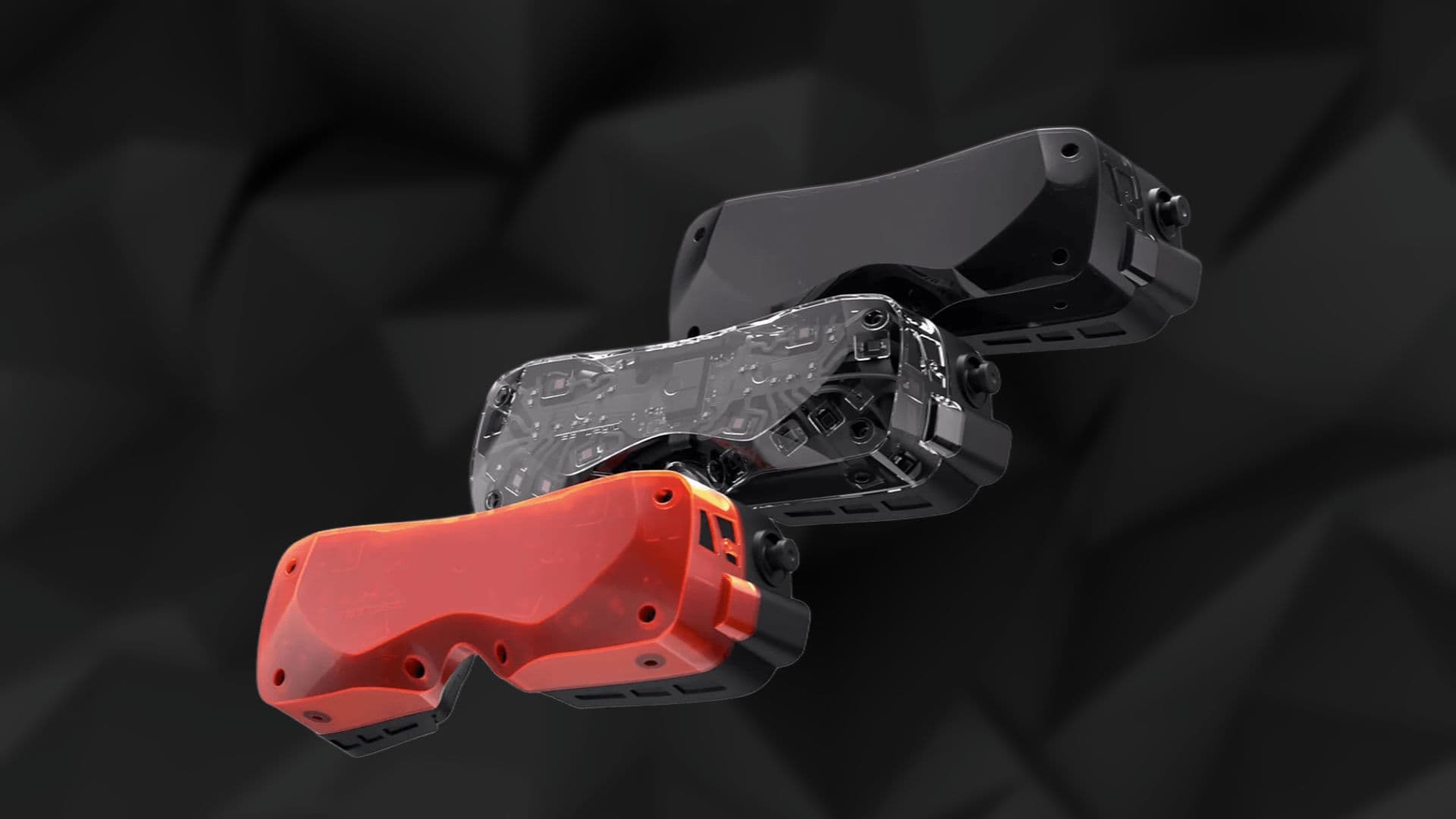
Bigscreen Beyond 2 Sets a New Standard in Immersive Technology
Enter a Realm Where Visual Precision and Ergonomic Excellence Converge The Bigscreen Beyond 2 reimagines virtual reality by fusing...
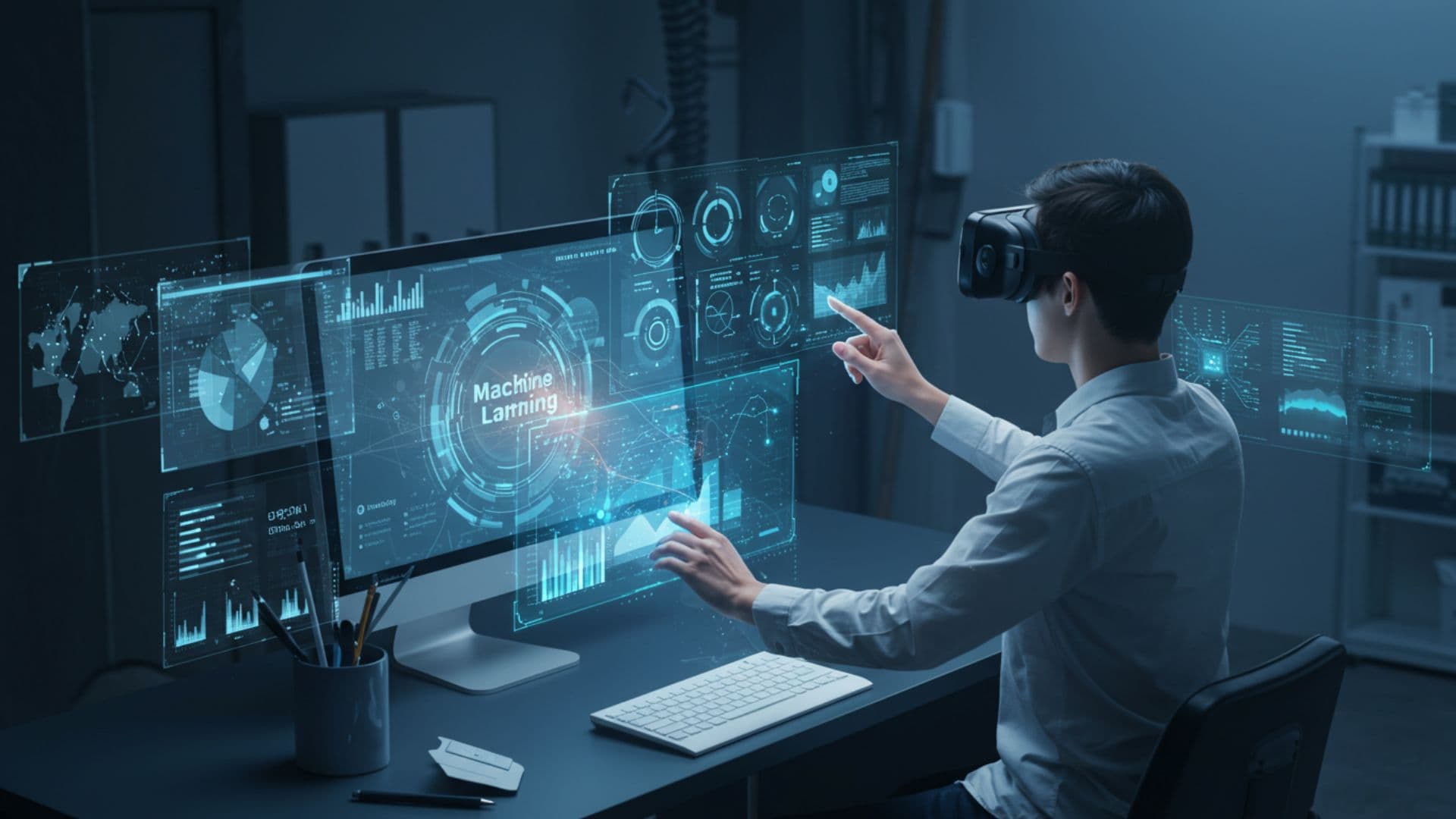
The Role of Machine Learning in Advancing VR Technologies
How Machine Learning is Revolutionizing Virtual Reality for Enhanced Experiences Imagine stepping into a virtual world where every movement you...

Top VR Games in 2025: Jurassic World, Red Matter, A Township Tale, Until You Fall, and Demeo
Discover the Most Anticipated Games of 2025 Transforming the Gaming Landscape As the gaming landscape evolves, 2025 promises to be a landmark year...
READY TO TRANSCEND?
Contact Virtual Reality Cape Town today and discover how we can transform your digital strategy through immersion.