
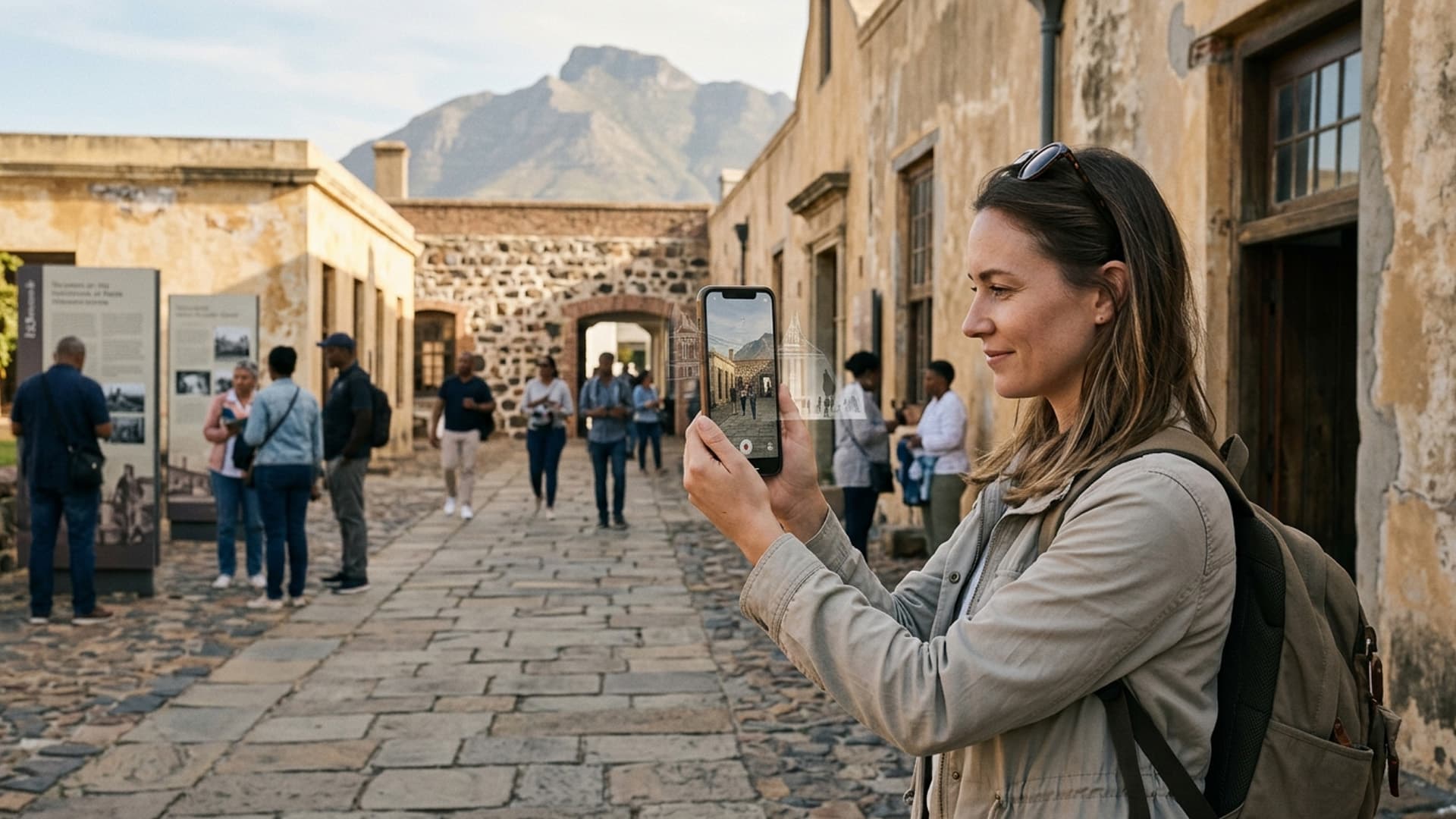
Augmented Reality Can Add Useful Context to a Cape Town Visit
AR can bring digital interpretation into a real place, but the experience works only when information is timely, legible and grounded in context.
Augmented reality adds a digital layer to the place a visitor is already seeing. That makes it a natural fit for interpretation, product information and location-based storytelling, but the physical setting remains in charge. Sunlight, movement, network conditions and the presence of other people all affect whether an AR interaction feels helpful or distracting.
The content should answer a real question about the place. A historical overlay might clarify how a site changed; a product layer might reveal a feature that is difficult to see directly. These are design possibilities, not a reason to add digital elements everywhere. The experience should be easy to begin, readable at a glance and simple to close when the visitor wants to return attention to the surroundings.
Virtual Reality Cape Town lists augmented reality software development as part of its services. A thoughtful project considers permissions, accessibility, device compatibility and privacy as early design concerns, particularly when cameras or location features are involved. Testing in the intended setting is essential because a studio prototype cannot reproduce every real-world condition.
AR is at its best when it adds context without competing with the place itself. The physical environment is not merely a backdrop; it is half of the experience and the reason the digital layer matters.
Design for a complete journey
Test the route from the visitor's starting point to the destination, including what happens when the phone loses tracking. A user should be able to orient themselves, choose a destination, follow the cue and confirm arrival. Include a way to return to the map and switch destinations without restarting the app.
Provide an accessible alternative with the same essential route information. A printed map, HTML directions or staff assistance can help when the camera, battery or connection is unavailable. Evaluate whether visitors complete the task safely, not only whether the AR overlay appears.
Coordinate with the people who manage the site
Before launch, review routes and labels with site staff who understand access, closures and visitor flow. Confirm that the AR guidance does not send people through staff-only areas or conflict with physical signs. Establish who can report a change and how quickly the digital route can be updated when a path closes.
Test the experience with visitors who have different levels of familiarity with the site. Ask them to reach a destination while observing their attention and movement. If users keep looking at the screen instead of their surroundings, shorten the cue and make the next physical landmark clearer.
Make the AR layer respectful of place
Use contextual information that has been reviewed by the responsible organisation or community. Do not add historical or cultural claims simply because an overlay makes them visually compelling. Credit sources where appropriate and provide a way to learn more. The digital layer should help visitors engage with the place, not flatten it into a set of visual effects.
Make the information useful at the point of need
Augmented reality can place a direction, label or interpretation in relation to a physical location. It is most useful when the digital layer answers a question a visitor has at that moment. A wayfinding cue might help someone choose a route; an interpretive label might explain a feature that is difficult to understand from a sign alone. Start with the task, then decide whether AR is the right delivery method.
Map the visitor journey and identify where confusion occurs. Consider the entrance, decision points, landmarks, accessible routes and destinations. A digital arrow should not replace a clear physical sign when a sign is more dependable. Instead, determine where an AR layer adds context or makes information available in a way the existing environment cannot.
Test the actual locations
AR tracking may behave differently across surfaces, lighting and device cameras. A marker that works in a studio may be difficult to detect in bright sun, low light, reflective glass or a crowded corridor. Test each intended location at different times and with representative devices. If environmental conditions vary, provide a manual search or map-based fallback.
Use location triggers carefully. GPS can be inaccurate near tall buildings or indoors. A user may arrive at the right place but fail to activate the content. Avoid making essential information depend on a single tracking method. Let visitors browse a list or map of available points if automatic recognition fails.
Keep wayfinding safe and legible
Visitors should not need to walk while looking at a phone. Show a direction, then invite them to look up and follow physical cues. Avoid placing virtual arrows across stairs, roads or restricted areas. Mark a safe place to stop and check the screen. For outdoor or busy environments, design interactions for short glances rather than continuous attention.
Use readable text, strong contrast and clear icons. Do not rely on colour alone to distinguish routes. Provide text alternatives and support keyboard or screen-reader access where the platform permits. If the user has low vision, limited mobility or cannot use a camera-based interface, offer a conventional map or staff assistance.
Keep content current and accurate
Routes, opening hours and site access can change. Assign an owner for updating the digital layer and define how staff can report a change. Review links and labels before major events or seasonal transitions. Include a last-updated date for information that may become stale, and remove content when the destination is no longer available.
Wayfinding can influence safety and accessibility, so verify every route with the site operator. Confirm that the suggested path is open, suitable and consistent with current signage. If an accessible route differs, show it clearly and avoid suggesting that a path is step-free unless it has been checked.
Explain camera and location permissions
Tell users why the experience needs camera or location access and what happens if they decline. Request permissions when the feature is used rather than surprising users on first launch. Explain whether images or location data are stored or transmitted. Collect only what is necessary and review any third-party analytics or mapping services.
At public sites, consider bystanders and private spaces. Avoid capturing or storing people unintentionally. Make it easy to exit the AR view and continue with a standard page or printed map. A trustworthy experience gives users control over sensing and offers an alternative.
Design orientation and recovery
Give visitors a short introduction that explains how to start, reset and close the experience. Use clear labels for destinations and indicate whether the direction refers to the user's current orientation. If a marker disappears or a location is unavailable, show a helpful message rather than a blank camera view.
Test with first-time users. Ask them to find a destination without coaching, observe where they stop and whether they understand the cue. Include visitors with different devices and access needs. Their feedback can reveal that a label is too small, a route is ambiguous or the camera prompt appears at the wrong moment.
Measure usefulness rather than novelty
Track whether people reach destinations, use the fallback and complete the intended task. Do not treat camera launches as proof that the experience improved wayfinding. Ask users whether the information was clear and whether they felt safe using it. Combine analytics with site staff observations and adjust the content accordingly.
AR can add useful context to a real place when it is accurate, legible and grounded in the conditions visitors encounter. Location testing, accessible alternatives, responsible sensing and clear maintenance make the experience dependable rather than merely impressive.
Intelligence Author
Elisha Roodt
Pioneering South Africa's XR landscape for over 25 years, we transform global immersive trends into actionable innovation for the Mother City and beyond.
More From Augmented Reality

Augmented Reality in South Africa
South Africa is slowly taking the world by storm in the fields of technology and entertainment, and augmented reality is, without a doubt, playing a significant role in that.
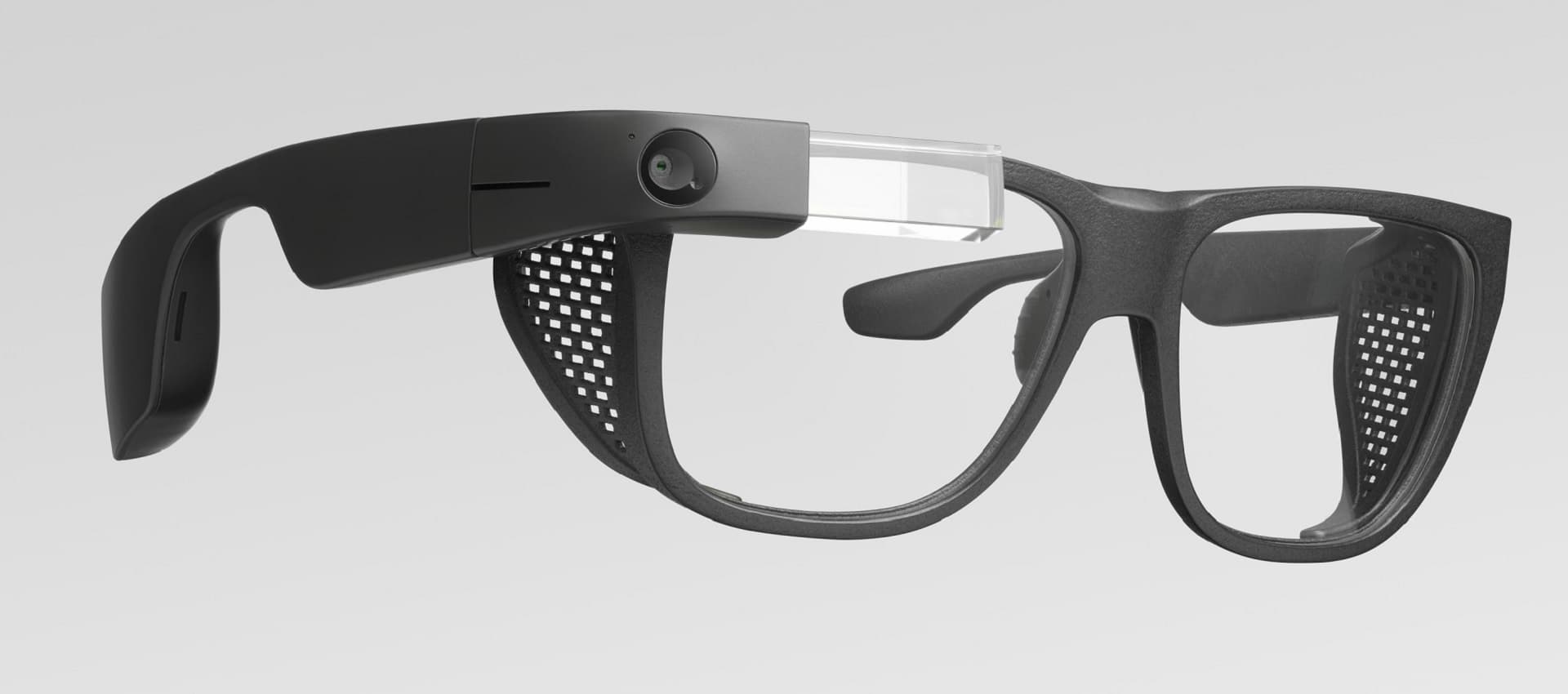
Google Teases AR Glasses
Virtual Reality Cape Town specializes in building Augmented Reality solutions. If you're looking for an AR app for your business, contact us now!
READY TO TRANSCEND?
Contact Virtual Reality Cape Town today and discover how we can transform your digital strategy through immersion.