

3D Rendering Gives Cape Town Projects a Clearer Visual Preview
Rendering turns a design direction into a visual people can review, compare and discuss before a physical or digital project is complete.
A rendering can make an idea easier to discuss before the finished environment exists. It gives a team a shared visual reference for materials, light, form and composition. That makes the image useful not only as a presentation, but as a point in the design process where questions can be asked and decisions recorded.
The best render depends on the audience and the decision they need to make. A property stakeholder may need to understand space and circulation; a product team may care about finish and proportion. A brief that states the intended use, viewing angle, reference materials and level of detail gives the visualisation artist a stronger starting point.
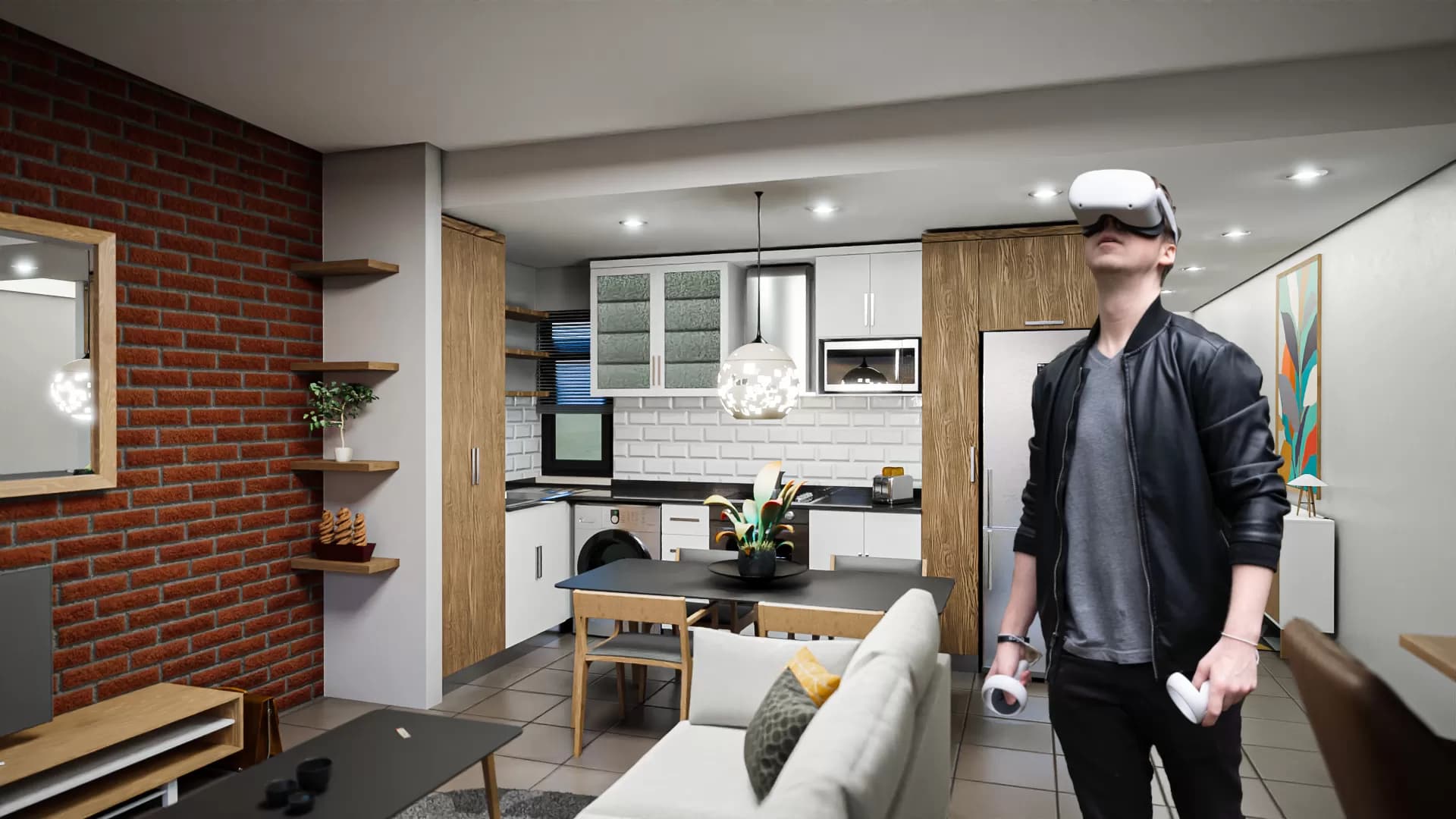
Rendering and real-time 3D are related but distinct parts of a production pipeline. A still image can offer fine control over a single view, while an interactive VR scene has to respond as a person moves. Virtual Reality Cape Town’s services include 3D rendering, modelling and VR development, which can support projects that need both presentation imagery and immersive interaction.
A review should distinguish approved design decisions from illustrative choices. Clear feedback at this stage helps teams move forward with fewer assumptions and gives clients a visual language for explaining what they want to see next.
Identify what is fixed and what is open
The brief should distinguish approved elements from design choices still under review. Mark which dimensions, materials, surroundings and brand elements must remain unchanged. Identify where the rendering team may make creative decisions and who can approve them. This distinction reduces revision cycles and prevents an illustrative detail from being mistaken for a final specification.
For each image, describe the intended viewer and the question it should answer. A client presentation may need a clear overall view; a product page may need consistency across a series; an internal review may benefit from a labelled comparison. The image set should be planned as a whole, not assembled from unrelated camera angles.
Agree on the final image set
List the required views, aspect ratios, delivery formats and intended channels before production begins. A small set of distinct views is often more useful than many near-identical angles. If the image will be used in both a presentation and a web page, state the crop and safe areas so important details remain visible.
Include one review contact and a consolidated feedback deadline. This keeps revisions organised and gives the rendering team a clear approval path. Confirm that the final output is the version stakeholders expect before it is published or sent to print.
A render is a communication tool
3D rendering can help a team review a design before a physical or digital project is complete. It turns geometry, materials, lighting and composition into a view that stakeholders can discuss. A useful render brief identifies the decision the image should support, the audience and the context in which it will be seen. Without that purpose, a team may spend time polishing details that do not help anyone decide.
Clarify whether the render is for concept approval, marketing, product visualisation, internal planning or a comparison between options. Each use affects camera angle, accuracy, resolution, annotations and permissible assumptions. If the image represents an unfinished design, label it as a visualisation rather than implying that the final build already exists.
Supply complete references
Provide the latest model, dimensions, drawings, material references, brand assets and any known constraints. Identify which source is authoritative and who can approve changes. If references conflict, resolve the issue before final rendering. A polished image cannot compensate for an uncertain product dimension or an outdated model.
Include intended viewing size and aspect ratio. A presentation slide, website banner, social image and large display each require different composition and resolution. Specify whether text, logos or callouts should be included in the render or added later. This helps avoid cropping and rework.
Choose viewpoints that answer questions
Camera placement determines what the viewer can understand. A hero view may communicate overall form; a detail view may show a feature; an exploded or sectional view may clarify construction. Choose a small set of purposeful angles rather than producing many similar images. If stakeholders need to compare alternatives, keep camera, lighting and framing consistent.
Check sightlines, scale cues and context objects. A render can make an object appear larger or smaller than reality if no familiar reference is present. When dimension matters, label measurements or pair the image with a specification. Do not ask viewers to infer precision from perspective alone.
Set the right level of realism
Photorealism is not always the best choice. A conceptual render may benefit from a cleaner style that communicates what is settled and what remains open. A product image may require careful material representation, while an architectural visualisation may need context about lighting, landscape and occupancy. Match detail to the approval stage and avoid implying that uncertain elements are final.
Agree on materials and colours using references. Screens display colour differently, and lighting can alter perception. If a finish is illustrative, disclose that. Keep the approved palette and asset versions available so later revisions remain consistent.
Plan lighting and environment intentionally
Lighting should reveal shape, texture and use. Choose conditions that support the intended message and remain consistent across a set of images. Avoid distracting reflections, blown highlights or dark regions that hide important detail. A realistic environment can add context, but props and background elements should not compete with the subject.
For a location-based visualisation, clarify what is existing and what is proposed. Include relevant surroundings without adding unsupported features. If people appear, consider their role, privacy and how they affect scale. The image should help stakeholders understand the project rather than decorate it with assumptions.
Manage revisions efficiently
Set review checkpoints for model, camera, materials, lighting and final output. Consolidate stakeholder feedback and tie each comment to a specific view or source. Late changes to the geometry may affect schedule and cost differently from a colour adjustment; make those impacts visible. Agree on how many rounds are included and who has final approval.
Keep versions clearly named and archive the approved render with its source settings. This makes it possible to recreate or update an image later. Do not overwrite a final file with an unreviewed revision. A simple version history protects both the production team and the client.
Deliver files for their intended use
Export the required formats, sizes and colour profiles. Check transparency if the image will be composited, and verify that the output is sharp at its display size. Provide a lower-resolution preview if stakeholders need quick review. Include alt text or a short description when the render is published online so its meaning is available beyond the image itself.
Before publication, verify that the image matches the approved version and that rights for models, textures and people are understood. If a render contains a conceptual product or unbuilt design, make that status clear. Accurate presentation builds trust and reduces the risk that a viewer mistakes a visual proposal for a finished product.
Use rendering to support better decisions
A good render gives people a shared visual reference. It can reveal proportion, compare options and help a team ask more precise questions. Its value depends on accurate inputs, purposeful composition and clear disclosure. A useful brief makes those requirements explicit and lets rendering focus on the decision rather than on decoration.
Intelligence Author
Elisha Roodt
Pioneering South Africa's XR landscape for over 25 years, we transform global immersive trends into actionable innovation for the Mother City and beyond.
More From 3D Rendering

3D Rendering in 2026: Turning Ideas Into Clear Visual Experiences
3D rendering helps businesses communicate property, product and immersive concepts before they exist, combining accurate modelling with realistic lighting, materials and AI-assisted workflows.
Virtual reality's potential in 3D modeling software
We develop high end Virtual Reality Applications.
READY TO TRANSCEND?
Contact Virtual Reality Cape Town today and discover how we can transform your digital strategy through immersion.