
Virtual Tours Let Cape Town Spaces Speak Beyond the Visit
A virtual tour can help a remote audience understand a property or destination when its route, imagery and supporting context are carefully chosen.
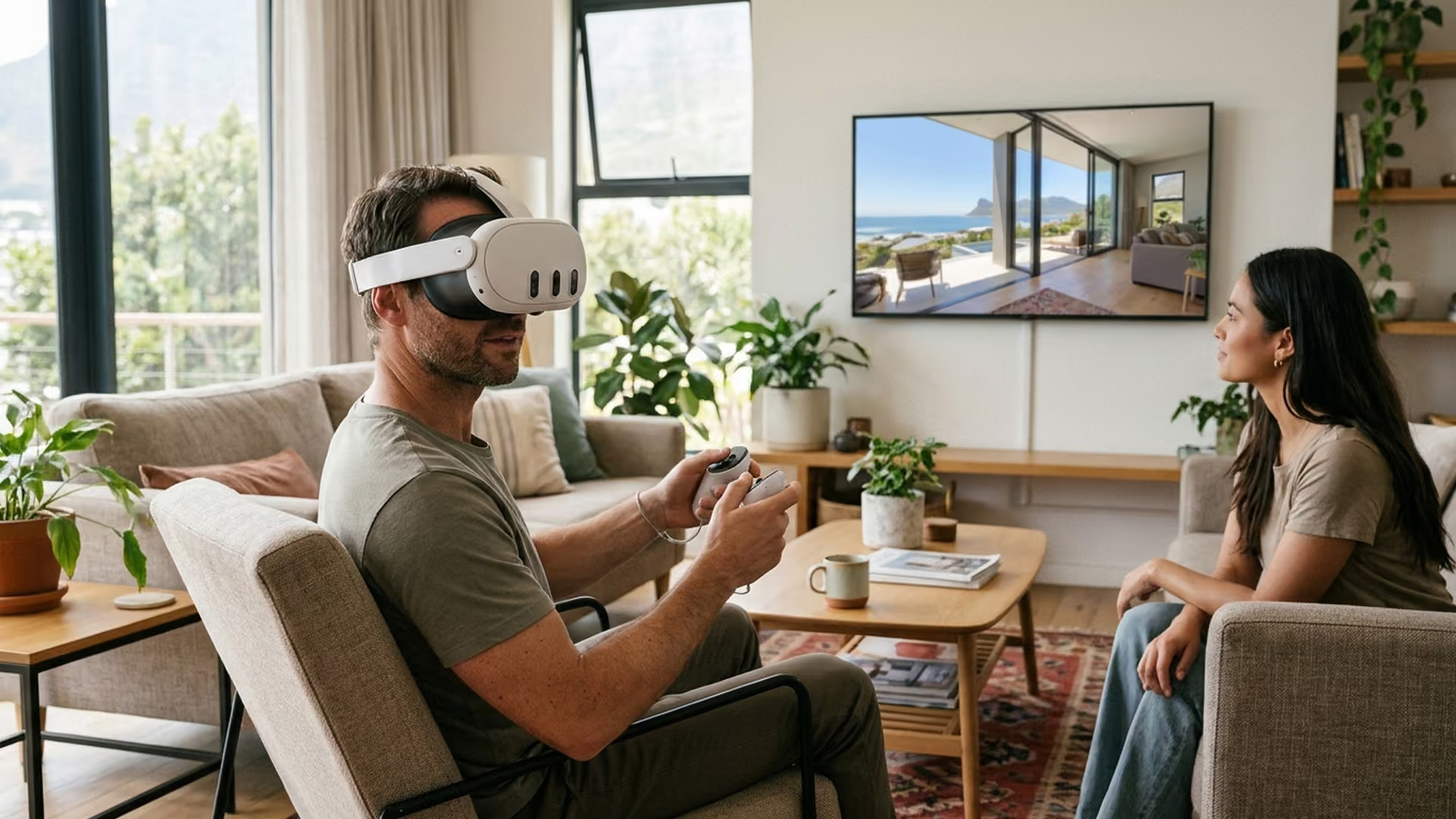
A virtual tour can give someone a sense of a place before they arrive. For a property, venue or destination, a well-planned sequence of views helps remote audiences understand how spaces connect and what distinguishes them. It is not just a set of panoramic images; the order, navigation and contextual information shape how people interpret the environment.
The most useful tour begins with the questions visitors are likely to have. They may need to understand a layout, compare rooms or appreciate a view. The route should make those details easy to find without overwhelming the viewer with hotspots. Accurate capture and honest presentation matter: editing should improve clarity without misrepresenting the space.
Virtual Reality Cape Town offers virtual-tour services alongside 360 video and VR development. A project should also consider how it will work on phones and desktop browsers, not only in a headset. Captions, clear controls and a lightweight loading experience help make the tour accessible to more people.
The goal is not to replace being there. It is to give a remote audience a useful, engaging preview and enough context to decide what they want to explore in person.
Keep a useful non-interactive fallback
Offer a gallery, floor plan or written overview for visitors who cannot load the tour or prefer a simpler format. Ensure the fallback covers essential rooms and facilities rather than only showing a poster. This can also help users on slow connections decide which part of the tour to open.
Before publication, ask someone unfamiliar with the property to find a specific space and identify a next step. Their route through the tour can expose unclear labels, missing transitions or outdated information. Fix those issues before adding decorative hotspots.
Align the tour with current property information
Coordinate with the person who manages bookings, facilities or property listings. Check that descriptions, availability and links match the current source. A room may have changed purpose or a facility may be temporarily closed. Include a capture date where conditions could have shifted, and review the tour after renovations.
If the tour supports a purchase or event decision, make its limitations clear. A panorama can show spatial relationships but may not communicate sound, smell, accessibility or exact measurement. Link to verified specifications and invite visitors to request more information when those details matter.
Review performance on real connections
Test the tour on mobile data and slower networks, not only office Wi-Fi. Check how long the first view takes, whether controls respond and whether visitors can move between spaces without reloading. Reduce unnecessary image weight while preserving enough detail to understand the property.
Plan for privacy and ongoing ownership
Agree in advance which spaces may be captured and who has authority to approve them. Remove or obscure personal documents, access codes, vehicle registrations and other details that should not appear publicly. If residents, staff or guests could be identifiable, arrange consent or schedule capture when the property is clear. A final privacy review should happen before the tour is shared, not after a link has circulated.
Decide who will own the tour after launch. That person should know where the original project files and account credentials are held, how to request an update, and what happens if the property changes hands. Keep a concise handover note with the capture date, platform, embed location, known limitations and review date. A tour stays useful when someone is responsible for checking that it still represents the property accurately.
Decide what a remote visitor needs to understand
A virtual tour can help someone explore a property, venue or destination before visiting. Its value depends on the questions it answers: how rooms connect, what facilities are available, where the entrance is and what the atmosphere feels like. Define the intended audience and their decisions before choosing capture points or adding interactive features.
A prospective guest, event organiser, buyer and facilities manager may need different information. One tour can support several audiences if navigation is clear, but trying to answer everything in every scene can make it cluttered. Identify the most important path and keep secondary details optional.
Plan the capture route
Walk through the property and note the spaces that matter. Capture logical transitions, not only attractive rooms. A visitor should understand how the entrance connects to the main spaces and where amenities are located. Consider lighting, reflections, privacy, staff activity and whether rooms must be prepared before capture.
Confirm permission to photograph the property, artwork and people. Decide how to handle screens, personal documents and bystanders. If a room is staged or shown in a particular configuration, make that clear when it could affect expectations. A tour should represent the property accurately rather than promising features that are not normally available.
Choose viewpoints and quality intentionally
The number of viewpoints affects both navigation and loading. Too few can leave gaps; too many can make visitors feel lost. Choose positions that explain the layout and provide a clear route between key areas. Keep a consistent height and orientation where possible, and test the starting view with someone unfamiliar with the property.
High-resolution imagery can reveal detail but may increase load time, particularly on mobile connections. Balance quality with performance and show a useful preview while the tour loads. Test on phones, desktops and any headset route the site intends to support. A slow tour can prevent visitors from seeing the information it was designed to provide.
Add context, not visual clutter
Hotspots should answer a question or offer a useful next step. Short labels can identify a room, explain a feature or link to booking information. Long text panels obscure the scene and are hard to read on a phone. Put detailed descriptions on a separate accessible page and keep the tour focused on spatial understanding.
Use consistent controls for moving, returning to the start and opening details. Make interactive elements distinguishable by shape and label, not colour alone. Provide a map or overview when the property has several floors or a complex layout. Visitors should be able to explore freely while having a suggested route available.
Consider accessibility and device choices
Many visitors will use a phone or desktop rather than a headset. Ensure touch controls are usable, text is readable and essential information is available outside the panoramic image. Avoid forced movement and autoplay audio. Provide captions or a transcript for narration and a static description if the interactive player is unavailable.
If a headset view is offered, explain the device requirements and keep it optional unless the experience is specifically designed for VR. Check keyboard navigation and screen-reader behaviour where supported. A tour that serves more people has a greater chance of being useful to the property and its visitors.
Connect exploration to action
Visitors may want to book, request a viewing, check facilities or ask a question. Place clear links near relevant areas, but do not interrupt the exploration. Use descriptive link text and verify each destination. Keep prices, availability and access details consistent with the property’s main website.
Respect privacy and explain any analytics. Collect only what is necessary to understand usage and follow applicable consent practices. A high number of visits does not explain whether people found what they needed, so combine analytics with task-based testing and feedback.
Maintain the tour as the property changes
Renovations, new facilities, altered layouts and expired links can make a tour inaccurate. Assign an owner, record capture dates and keep a list of viewpoints and annotations. Review it periodically and after significant changes. Store source imagery and rights information so updates do not depend on memory.
A well-scoped virtual tour gives remote visitors a useful mental model of a place. Accurate capture, deliberate navigation, accessibility, performance and maintenance matter more than the number of hotspots. When the tour reflects the property honestly, it helps people arrive with clearer expectations and better questions.
Intelligence Author
Elisha Roodt
Pioneering South Africa's XR landscape for over 25 years, we transform global immersive trends into actionable innovation for the Mother City and beyond.
More From Virtual Tours

Discover Cape Town in Virtual Reality: Immersive Experiences for Every Industry
Discover Virtual Reality in Cape Town: An Immersive World of Possibilities Virtual reality (VR) has transformed how we interact with digital...

Virtual Tours for Capetown
Virtual Reality Cape Town spesialize in creating Virtual Tours in the Western Cape Provinces. If you are interested in getting a Virtual Tour for your business, real estate, guest house, school or university talk to us today!
READY TO TRANSCEND?
Contact Virtual Reality Cape Town today and discover how we can transform your digital strategy through immersion.