
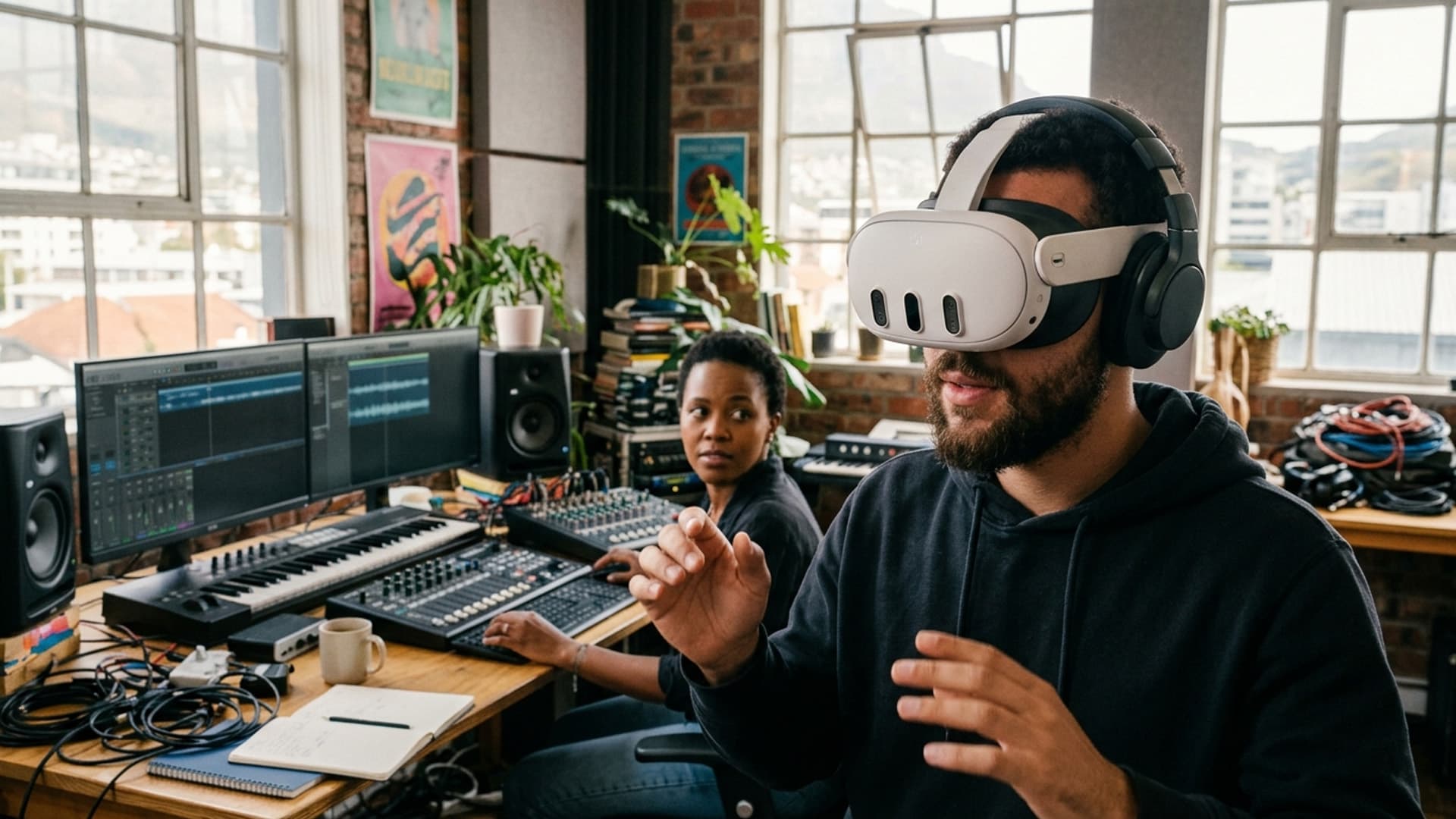
Spatial Audio Helps an Immersive Scene Feel Oriented
In VR, sound can guide attention and establish a sense of place when it supports the scene instead of filling every moment.
In an immersive scene, sound can provide information that a visual interface does not need to spell out. A voice, environmental cue or moving source can help a participant understand what is happening around them. Spatial audio makes those cues feel located in the virtual space, encouraging the listener to turn and explore.
That effect depends on restraint. If every moment contains a directional sound, the scene can become tiring or confusing. The design should identify which sounds carry meaning, how they relate to the participant’s position and what happens when the person looks elsewhere. Dialogue also needs to remain clear without making the experience feel like a conventional video with a fixed front.
For production teams, sound is part of the narrative and interaction design, not a layer to add at the end. A prototype lets people experience how audio and movement work together. Testing with headphones, different listening conditions and the target hardware can reveal issues that are invisible in a desktop preview.
Virtual Reality Cape Town’s VR development work can incorporate audio as one part of a larger experience. When it has a clear purpose, spatial sound helps people feel oriented and present; when it does not, silence may be the more effective choice.
Keep dialogue intelligible
Prioritise speech over ambience when a listener must understand an instruction. Check levels across the scene and leave space between competing sounds. If multiple speakers can talk, establish whose voice is active and avoid abrupt shifts that make the listener search for the source. Use subtitles or captions when the words are important.
Review the mix with volume controls at a comfortable setting. Do not rely on loudness to create excitement. A safe, clear mix is more effective than a dramatic one that causes discomfort or masks important cues.
Use sound to establish transitions
An ambient cue can prepare a listener for a new space or activity, but the transition should remain understandable without it. Keep the visual change clear and allow a moment for the listener to orient. If a sound source moves, make the movement gradual and relevant to the scene rather than using it only to demonstrate a technical effect.
For multilingual audiences, plan narration and captions early. A translation can change timing and sentence length, so test it in context. Preserve a clear mix and avoid placing music beneath every line of speech.
Respect the physical setting
In a shared event space, use headphones that limit audio leakage and explain how to adjust volume. Clean shared equipment according to the manufacturer's guidance. Provide a quiet alternative for participants who are sensitive to sound and make it possible to pause. These operational details help spatial audio remain comfortable for both the user and people nearby.
Build an audio review into production
Review spatial sound on the devices people will actually use. Headphones differ in frequency response, and a mix that feels balanced in a studio may become harsh or indistinct on a consumer headset. Listen at a comfortable volume, check speech on both channels, and test transitions after a listener turns their head. If the sound is tied to an object, confirm that its position remains believable from several viewpoints.
Keep source files and mix notes organised by scene and revision. Name stems clearly, note the intended position and movement, and keep a version that can be changed without rebuilding unrelated parts of the experience. During review, ask participants what they noticed and where they thought a sound came from; avoid leading them toward the answer. Their observations can reveal whether the cue supports orientation or simply competes for attention. This makes audio decisions easier to reproduce and maintain.
Sound helps establish place and attention
Spatial audio can make an immersive scene feel oriented by placing sounds in relation to the listener. A voice from a particular direction can invite a person to turn; ambient sound can suggest the size or activity of a space. These effects are useful when they support the scene's purpose, but constant sound can become distracting or tiring.
Begin by identifying what the listener needs to notice. Is sound providing location, a cue, emotional tone or information? Decide which sounds are essential and which are background. This helps the audio mix remain intentional and gives the production team a clear basis for testing.
Use direction with restraint
A sound can guide attention, but it should not become an alarm every time something important happens. Give the listener time to turn and understand the source. Avoid placing two critical sounds in different directions at once unless choice is part of the experience. Narration can orient users before an action begins.
Keep important information accessible even if someone does not hear or locate a cue. Captions, visual prompts or a follow-up explanation can reinforce the message. Sound should enrich understanding, not become the only path to a required instruction.
Record and mix for the playback context
Capture clean dialogue and relevant ambience, and plan microphone placement around the scene. Wind, handling noise, clothing rustle and room echo can be especially noticeable in headphones. Check how the audio behaves as the user turns rather than listening only from one direction.
Mix for the target device and expected headphones. Test volume, balance and transitions on representative hardware. Some users may listen through speakers or have only one earbud; the experience should remain understandable where practical. Provide controls for volume and mute, and avoid sudden loud sounds.
Keep audio comfortable and accessible
Long sessions with continuous sound can cause fatigue. Use quiet moments and let participants control the pace. Avoid rapid movement of sound sources that might feel disorienting. If an experience includes narration, provide captions or a transcript. Keep dialogue clear over ambience and avoid requiring perfect hearing to follow the story.
Consider the physical setting where the experience will be used. At an event, background noise can compete with the headset mix; in a training room, other participants may hear leakage. Provide suitable headphones, hygiene practices and an option to pause. Audio comfort is part of the overall interaction design.
Connect sound to the visual story
Spatial audio should correspond to what the user can see or reasonably discover. A sound from behind may encourage a turn, but if nothing meaningful is there, it can feel manipulative. Use ambience to reinforce the environment and directional cues to clarify transitions. Keep a consistent relationship between sound, movement and visual attention.
For a product or architectural scene, sound may communicate operation or scale. Do not use audio to imply a real-world capability that the model does not have. Label illustrative sound and verify factual claims with the project owner. The sound design should not make a concept appear more complete than it is.
Test with varied listeners
Ask users what they noticed, whether any sound felt too loud and whether they could follow the experience without looking in the intended direction. Test with different headphones and hearing settings. Observe where participants turn, pause or remove the headset. Their experience may differ from the designer's expectations.
Check audio levels and captions after every significant edit. A change in narration timing can conflict with a visual cue; a new ambient layer can mask speech. Keep versions and source tracks organised so revisions remain manageable.
Use sound to support, not fill, the scene
Silence can provide space for reflection and reduce cognitive load. Not every moment needs music or narration. Select sounds that help listeners understand where they are and what matters. Spatial audio becomes effective when it is purposeful, comfortable and integrated with the visual experience.
Intelligence Author
Elisha Roodt
Pioneering South Africa's XR landscape for over 25 years, we transform global immersive trends into actionable innovation for the Mother City and beyond.
More From Virtual Reality

Cape Town VR Experiences Begin With a Strong Creative Brief
A compelling Cape Town VR experience starts with a clear audience and purpose, then brings story, interaction and technical delivery together.
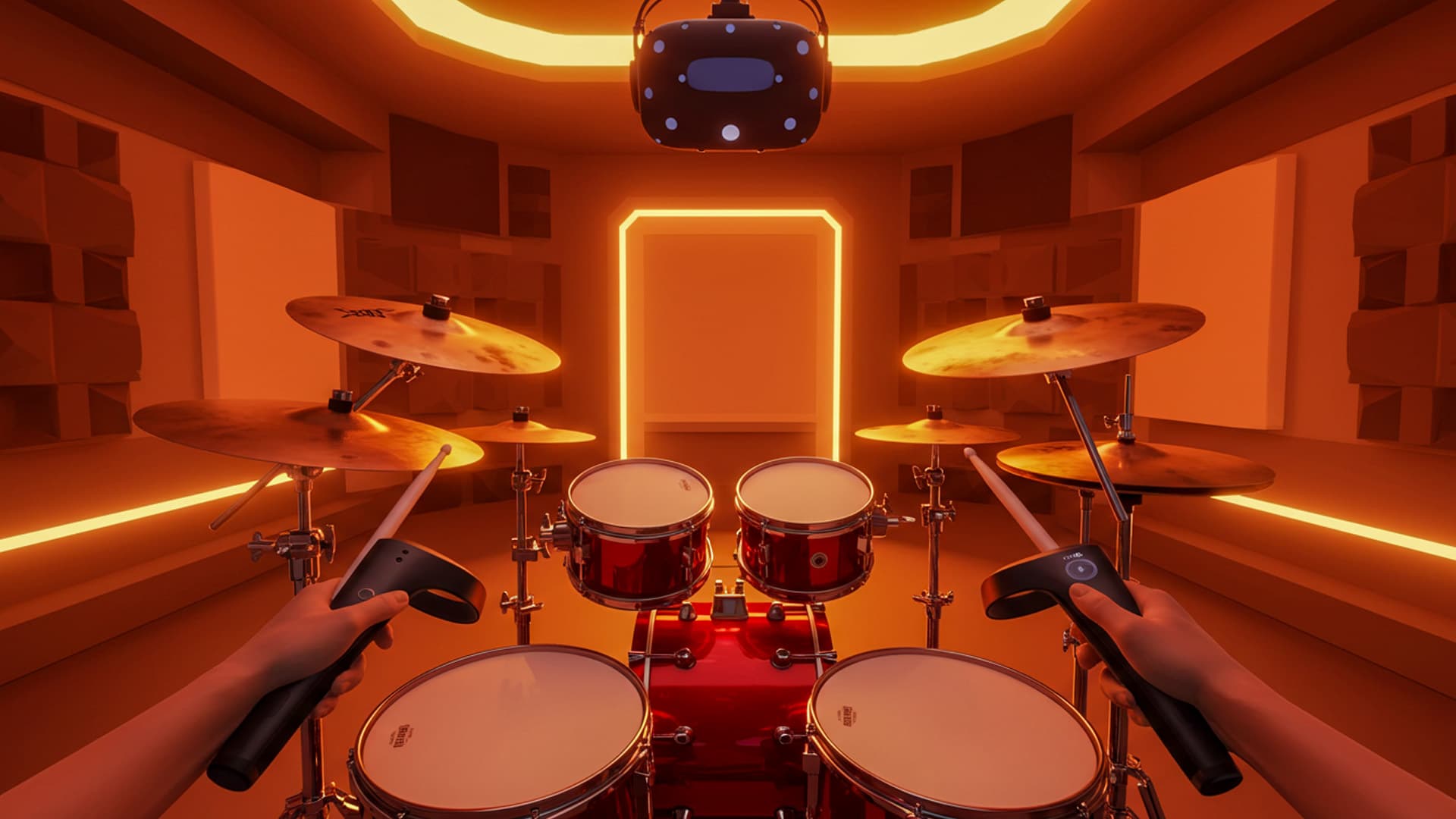
Making Music in VR with Patchworld
A Glimpse into Spatial Music Creation on Meta Quest 3 Put on a Meta Quest 3, boot up Patchworld, and the studio dissolves into a cathedral of...
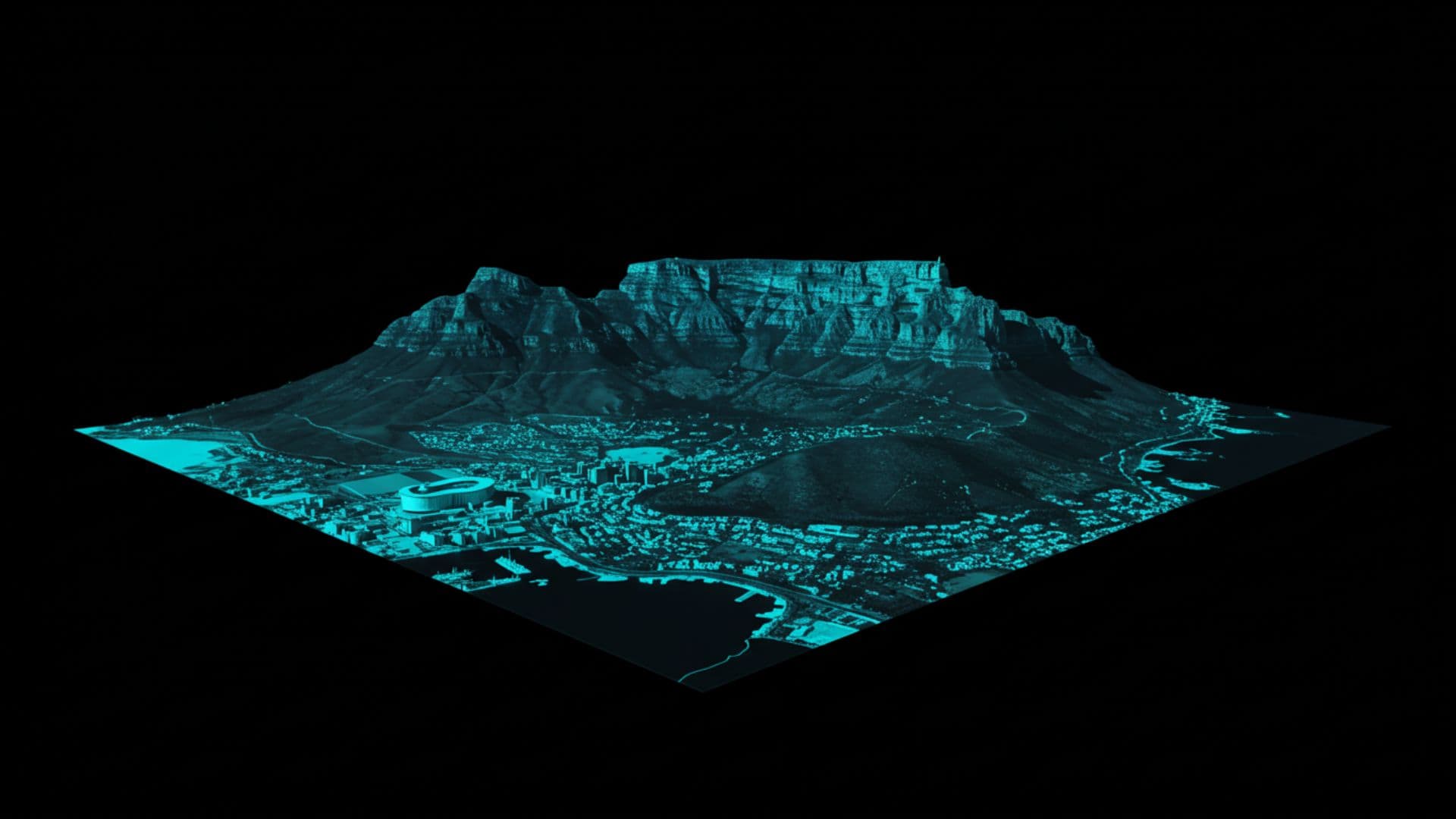
Revolutionizing Experiences: Virtual Reality in Cape Town
How Immersive Technologies Are Transforming Tourism, Education, and Culture in the Mother City Virtual reality (VR) is rapidly reshaping Cape...
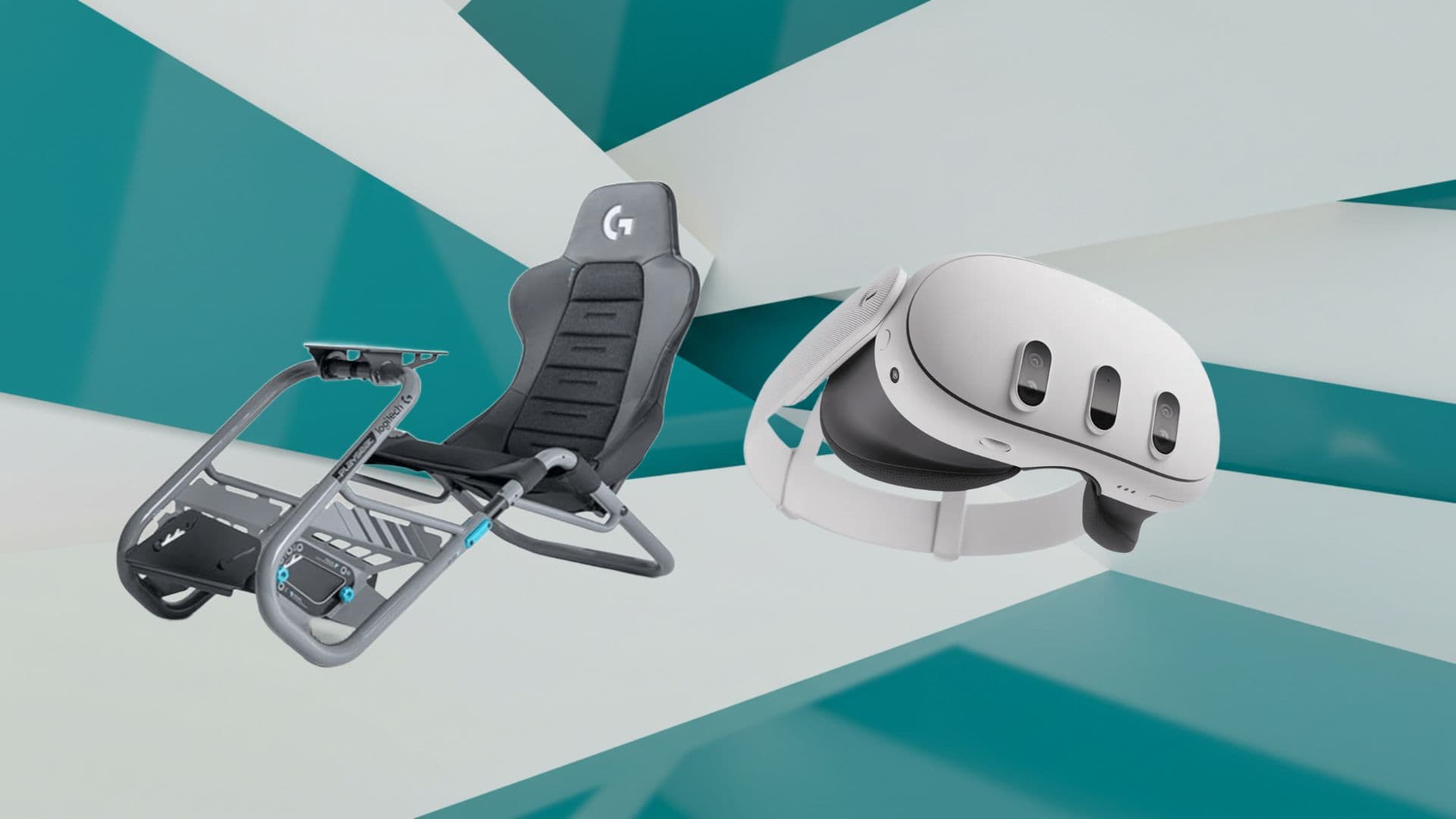
Mastering Meta Quest 3 for High‑Fidelity Sim Racing
Essential steps to transform your VR headset into the ultimate racing cockpit Transitioning from flat‑screen sim racing to the immersive realm of...
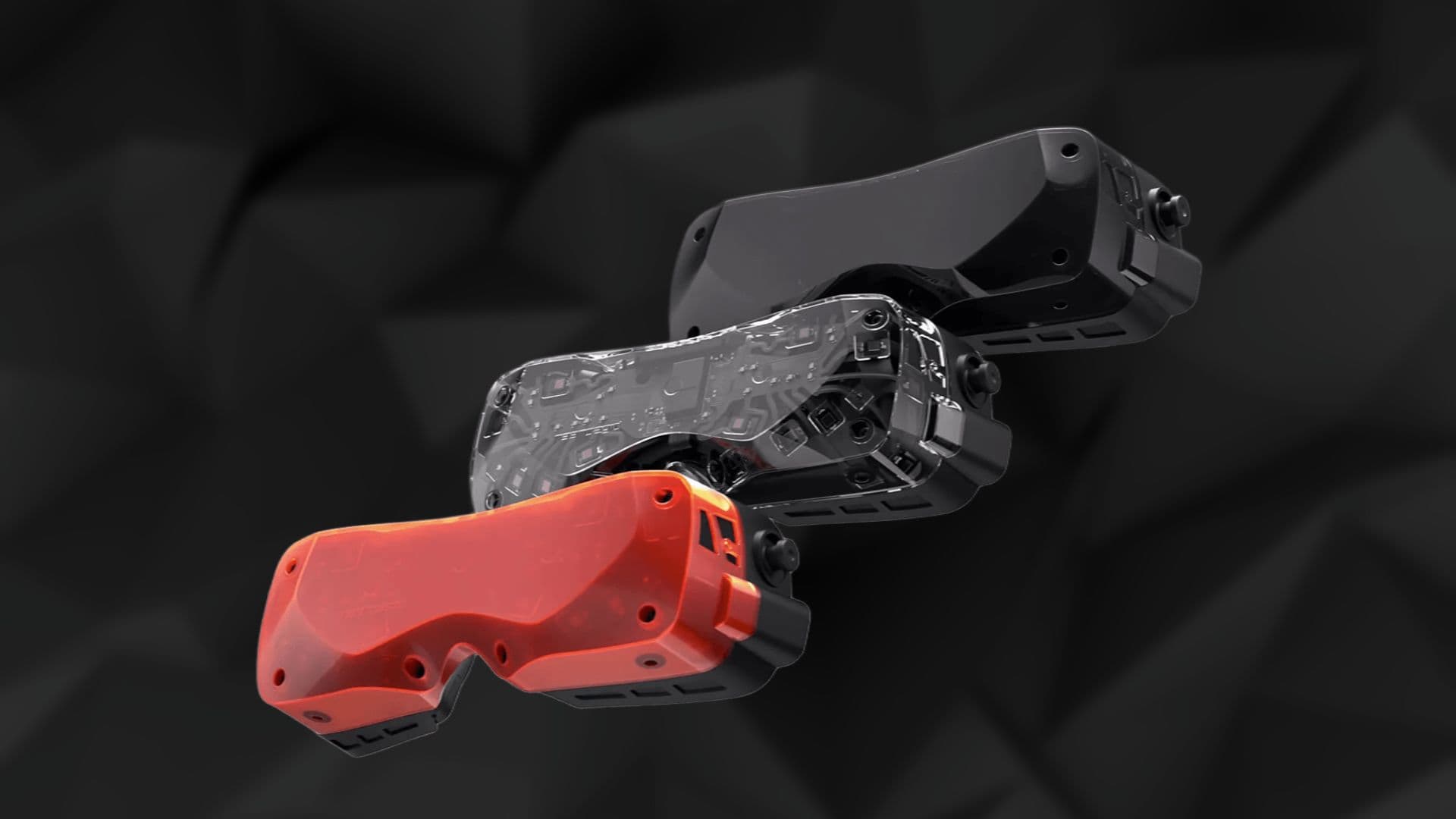
Bigscreen Beyond 2 Sets a New Standard in Immersive Technology
Enter a Realm Where Visual Precision and Ergonomic Excellence Converge The Bigscreen Beyond 2 reimagines virtual reality by fusing...

The Role of Machine Learning in Advancing VR Technologies
How Machine Learning is Revolutionizing Virtual Reality for Enhanced Experiences Imagine stepping into a virtual world where every movement you...
READY TO TRANSCEND?
Contact Virtual Reality Cape Town today and discover how we can transform your digital strategy through immersion.